
Frame-accurate comments
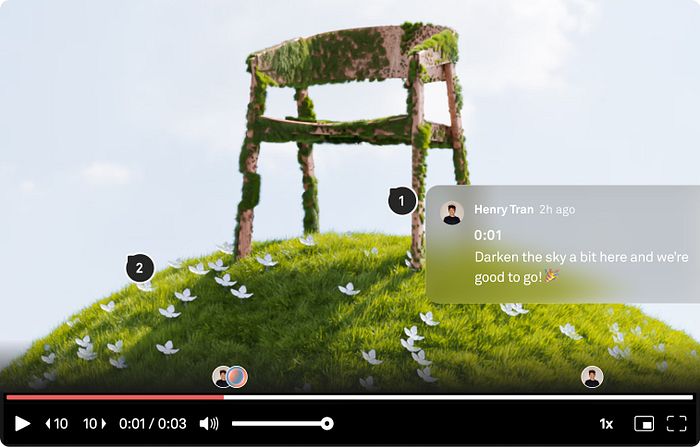
Pin comments or add annotations to the exact frame, timecode, or pixel.


Built for visual workflows, ready for agents.
Your visual files organized in one place, ready to share as a gallery — not a zip folder. With our MCP server, your agents can now do more than just finding, tagging, and sharing for you.
Over two million creatives, and world-class brands




















Upload & organize
Images, videos, 3D models, GIFs, PDFs. Playbook instantly show previews and describes every file as it lands.
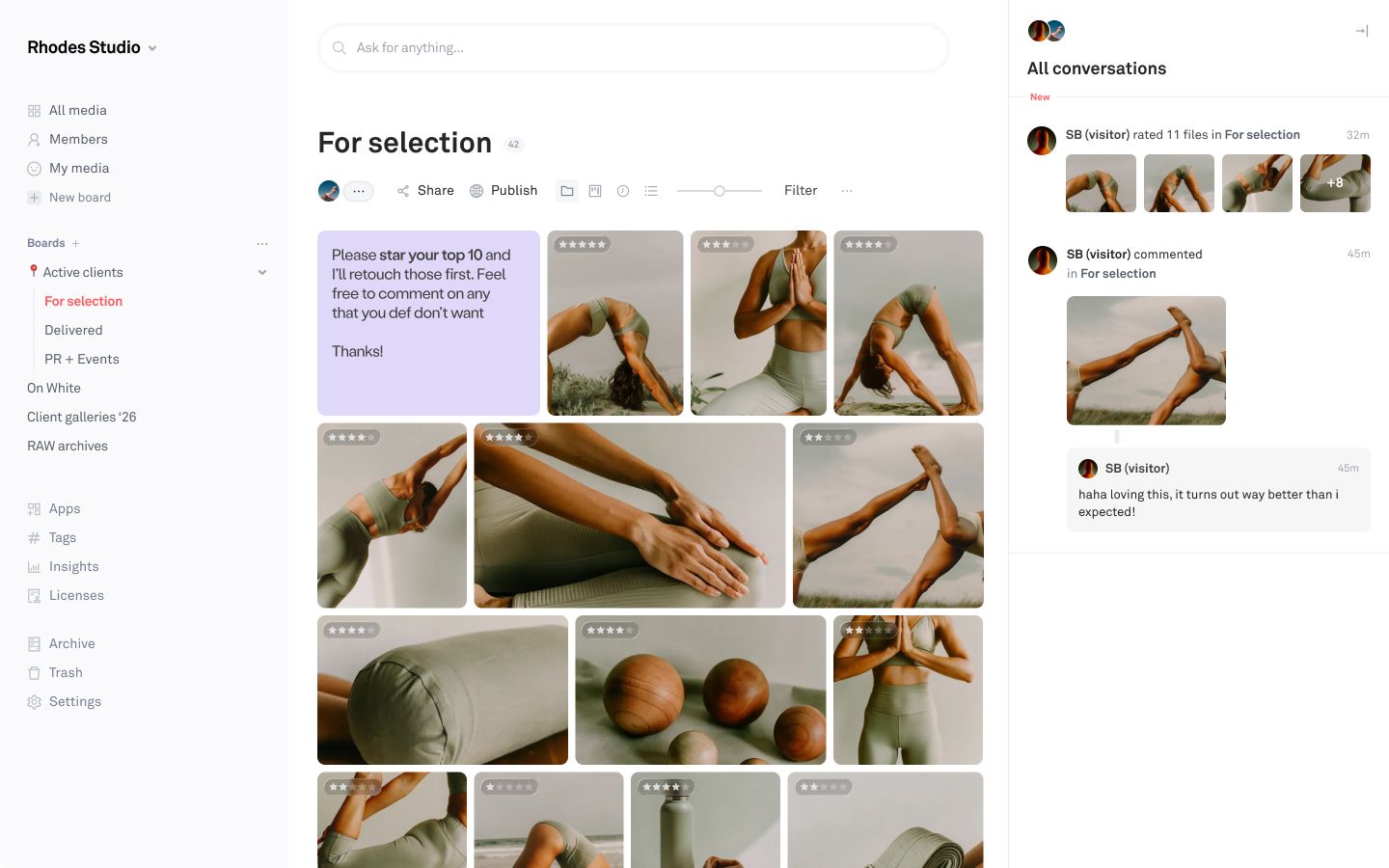
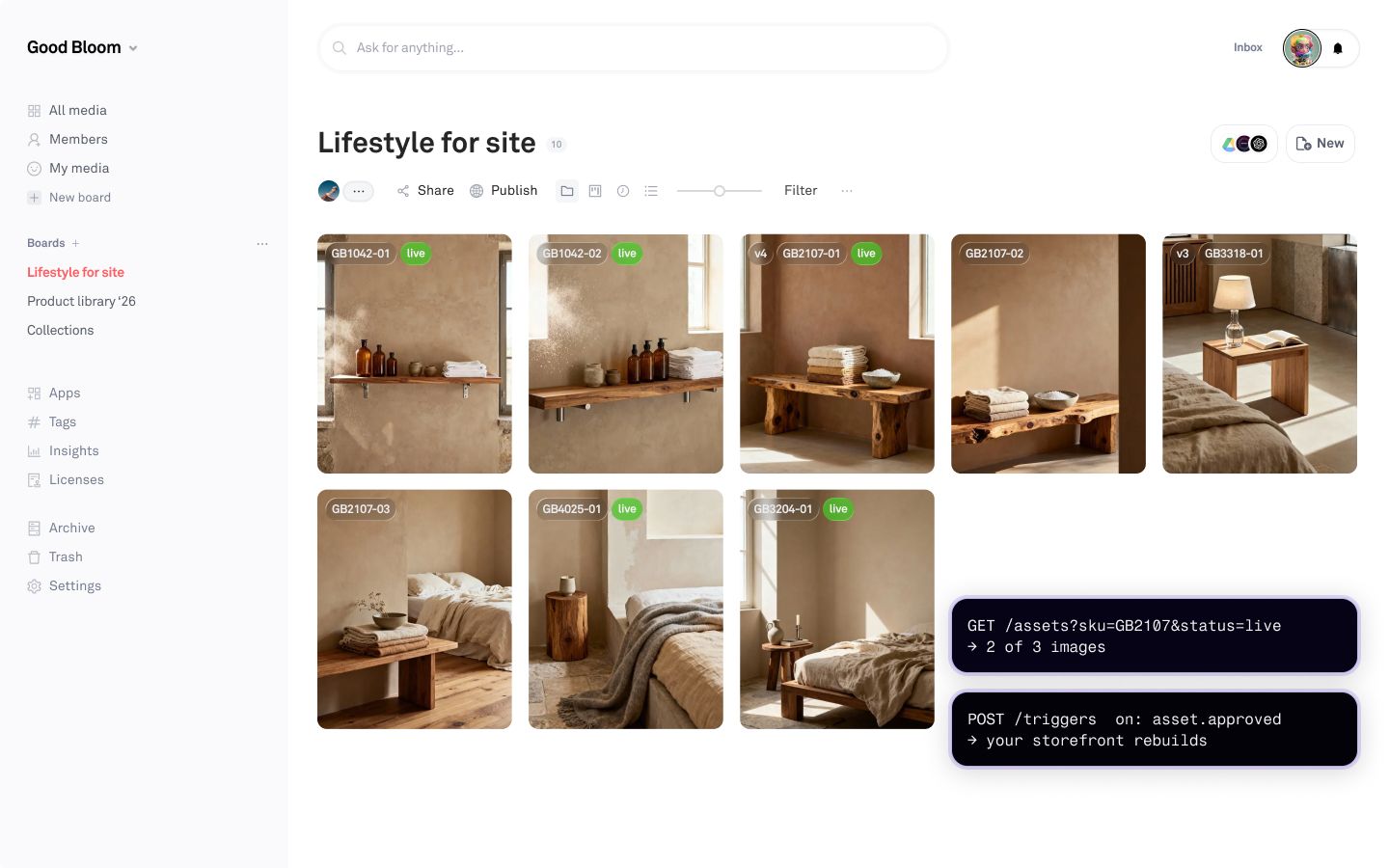
Search & AI Actions
"Every image with our packaging on white." Playbook searches by visual content, not just what somebody named them.
Review & approvals
Built to connect
Playbook speaks MCP, so the AI tools your team already uses can search, tag, and move assets without anyone leaving the chat. One URL to connect. Nothing to build.
It is listed in Claude's connector directory. One connection covers Claude on the web, desktop, and mobile.
Connect it from its directory page. To add it by hand instead, paste this URL as a custom connector.
https://mcp.playbook.com/mcp Authorize Playbook once, then ask Claude to find, tag, or organize anything in your library.
The same URL — it works with any client that speaks MCP.
https://mcp.playbook.com/mcp Turn on Developer mode in Settings, then add the URL with the plus button. Pick OAuth and leave the client ID and secret blank.
Authorize Playbook once, then pull assets straight from your boards into the conversation.
One click opens Cursor with the server ready to install. Nothing to paste into .cursor/mcp.json.
Authorize once, then call Playbook from Cursor's agent — or skip MCP and hit the REST API directly.
In your terminal, inside the project you want Playbook in.
claude mcp add --transport http playbook https://mcp.playbook.com/mcp In Claude Code, run /mcp, pick playbook, choose Authenticate, and allow Playbook in the browser.
The first adds Playbook, the second opens the Playbook sign-in in your browser.
codex mcp add playbook --url https://mcp.playbook.com/mcp && codex mcp login playbook Allow Playbook once, then call it from Codex in any project.
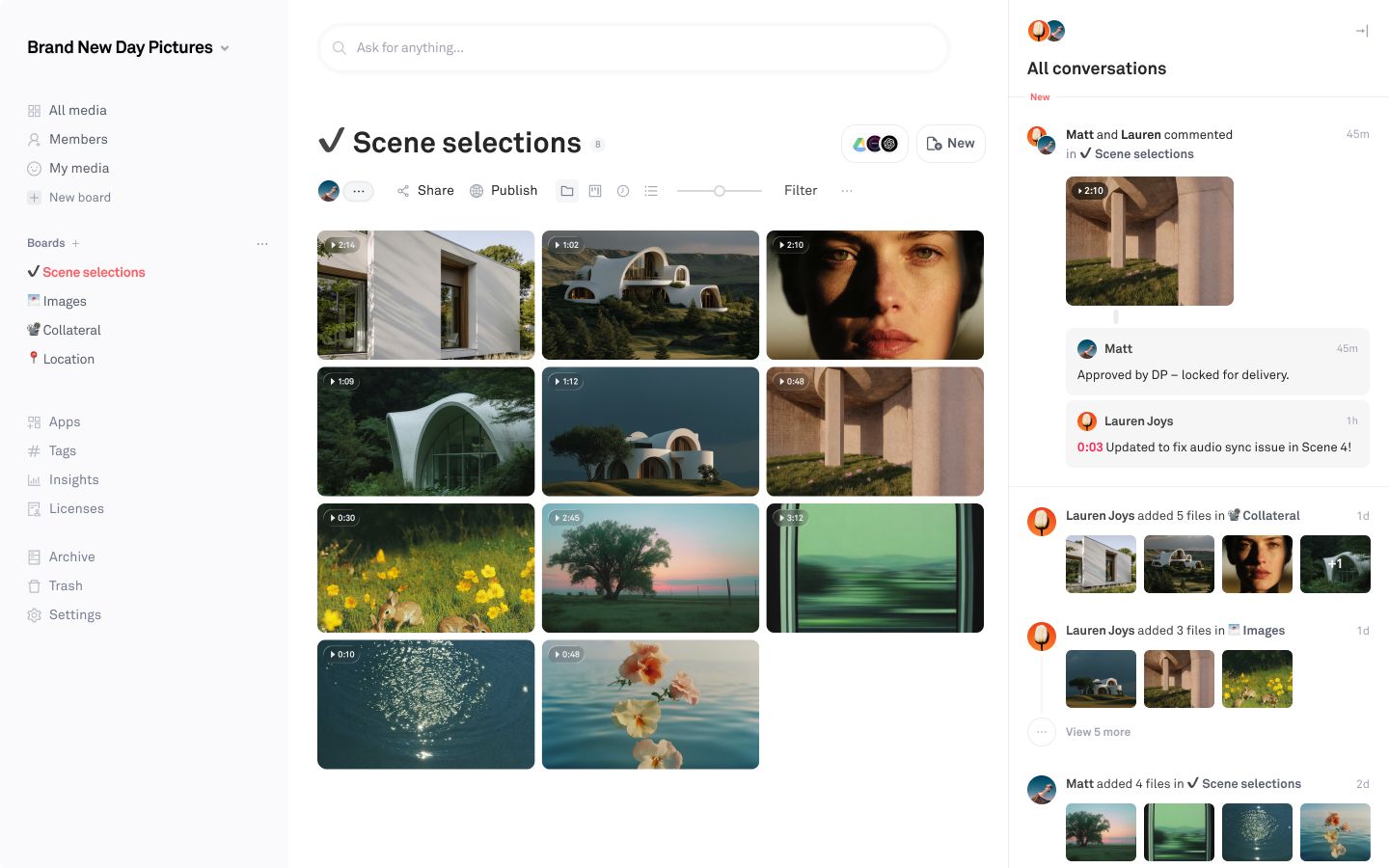
Post house just dropped the Scene 4 delivery into the workspace. Help me sort clips into Scenes selections, stills into Images, anything branded into Collateral.
Reading 16 new assets against the project boards...
Eight clips into Scene selections, three stills into Images, five into Collateral. The two re-renders of shots went in as versions. Nothing overwritten.
 Attachment SS26_product_sheet.csv
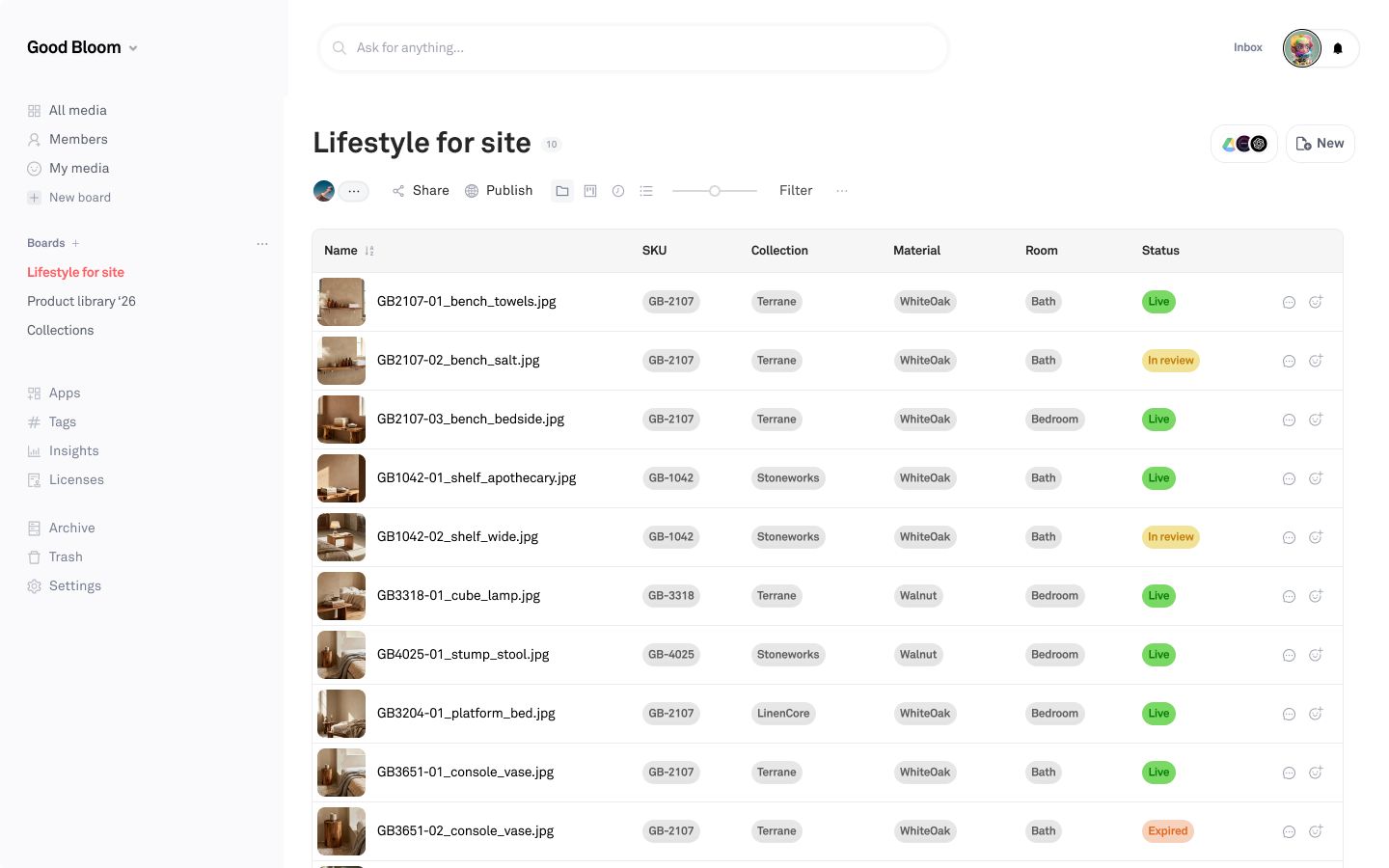
 Attached the SS26 product sheet. Match column A to the filenames and fill in the fields.
Reading 96 rows, matching against 1,284 assets...
Matched 1,190 by SKU and wrote collection, material, and room onto each. 94 had no SKU in the filename, so those are on a board for you to assign.
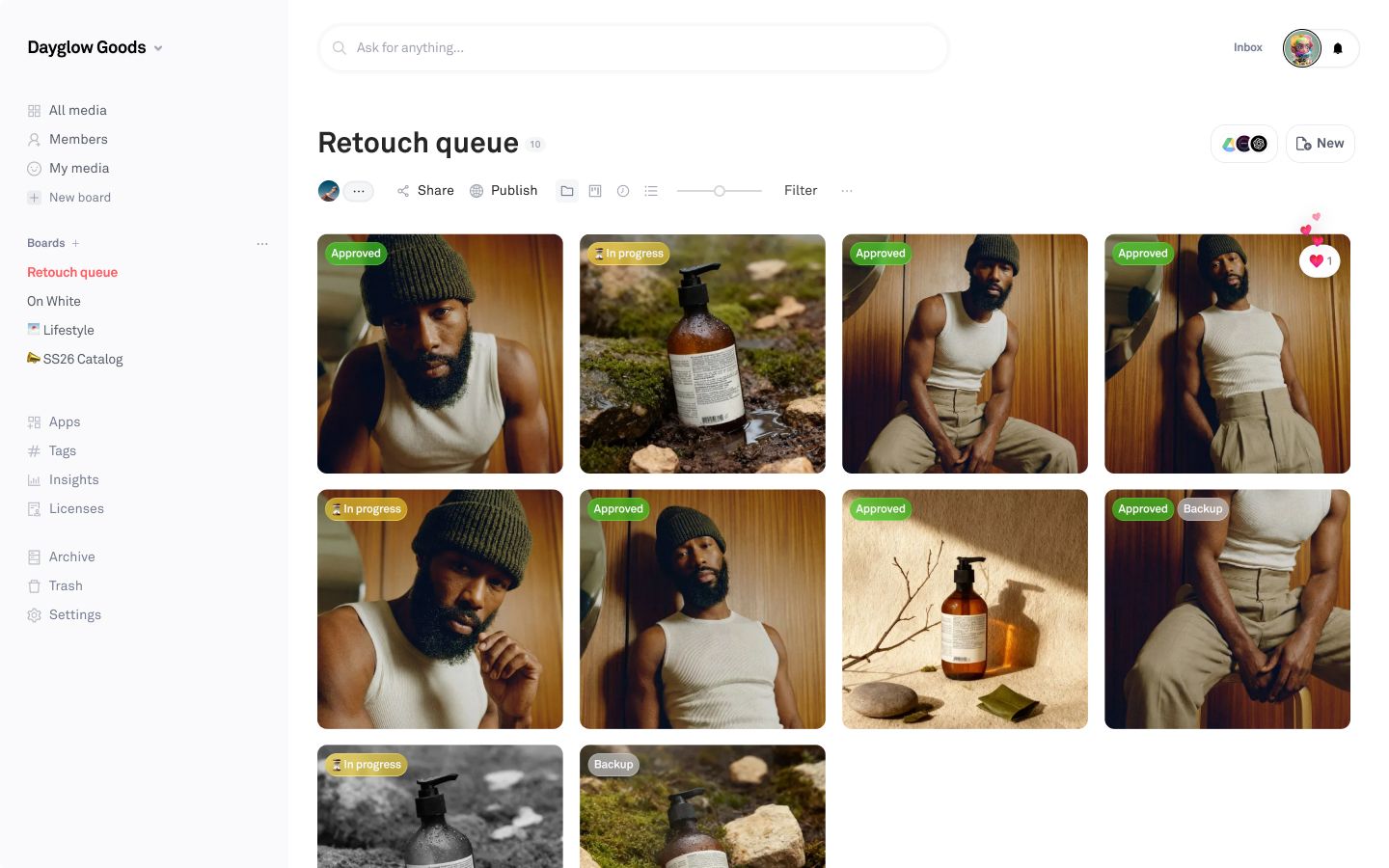
The vendor went through the 'Retouch queue' board and left some comments. Can you summarize the changes and set status 'Approved' on the asset they actually signed off?
Reading 14 comments left in Retouch queue…
8 marked as 'Approved' and 2 marked for 'In progress' based on what they wrote. Five I couldn't call either way, so those are untouched and grouped for you.
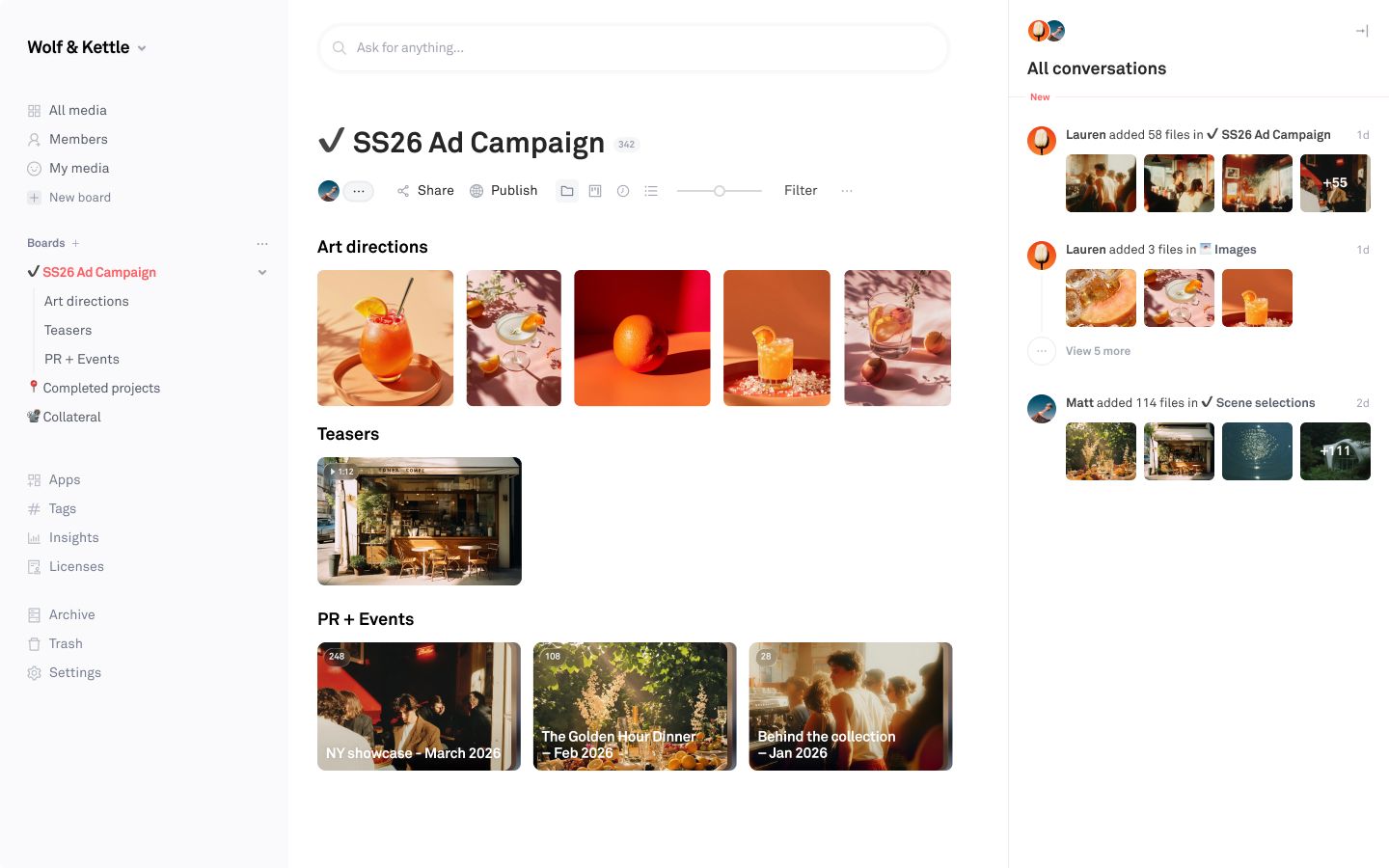
Client wants to see where we're heading with the campaign. Pull the a few latest art direction, teaser, and event work into a board I can share with them.
Reading 342 assets across the three campaign boards...
38 on a new board, split the same three ways as the originals. 9 in Art directions, the teaser, and 28 in PR + Events. Ready to share when you are.
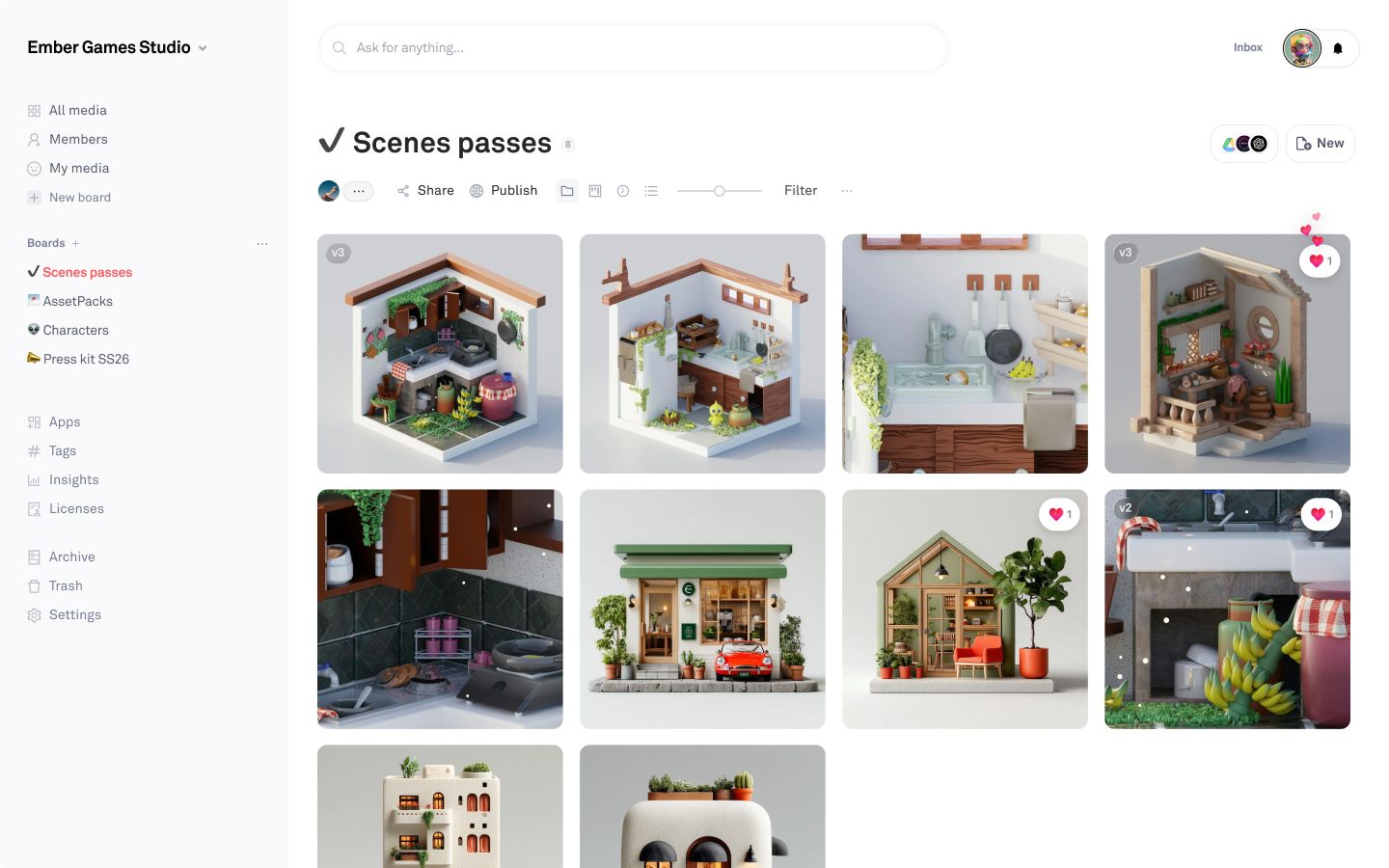
Half of this board is iterations that got uploaded as separate files instead of versions. Can you replace them?
Reading 8 assets, matching by scene and pass...
5 folded onto their originals as new versions. Every earlier pass is still there and any of them can roll back. Two stayed put since I couldn't match to anything.
Enterprise, without the complexity
The controls your IT and brand leads ask for are all here. What is missing is the six-week rollout, the seat minimums, and the training deck nobody reads.
Everything you'd expect
None of what you don't
The controls, without the rollout.
No lock-in
Import direct from Dropbox, Drive, or your current DAM. And if you ever want out, every asset, tag, and version is yours to take. Most DAMs make leaving expensive. We made it a button.
Export library
Export completed
1,284 files, 6.2 GB, in 94 seconds

Customer stories




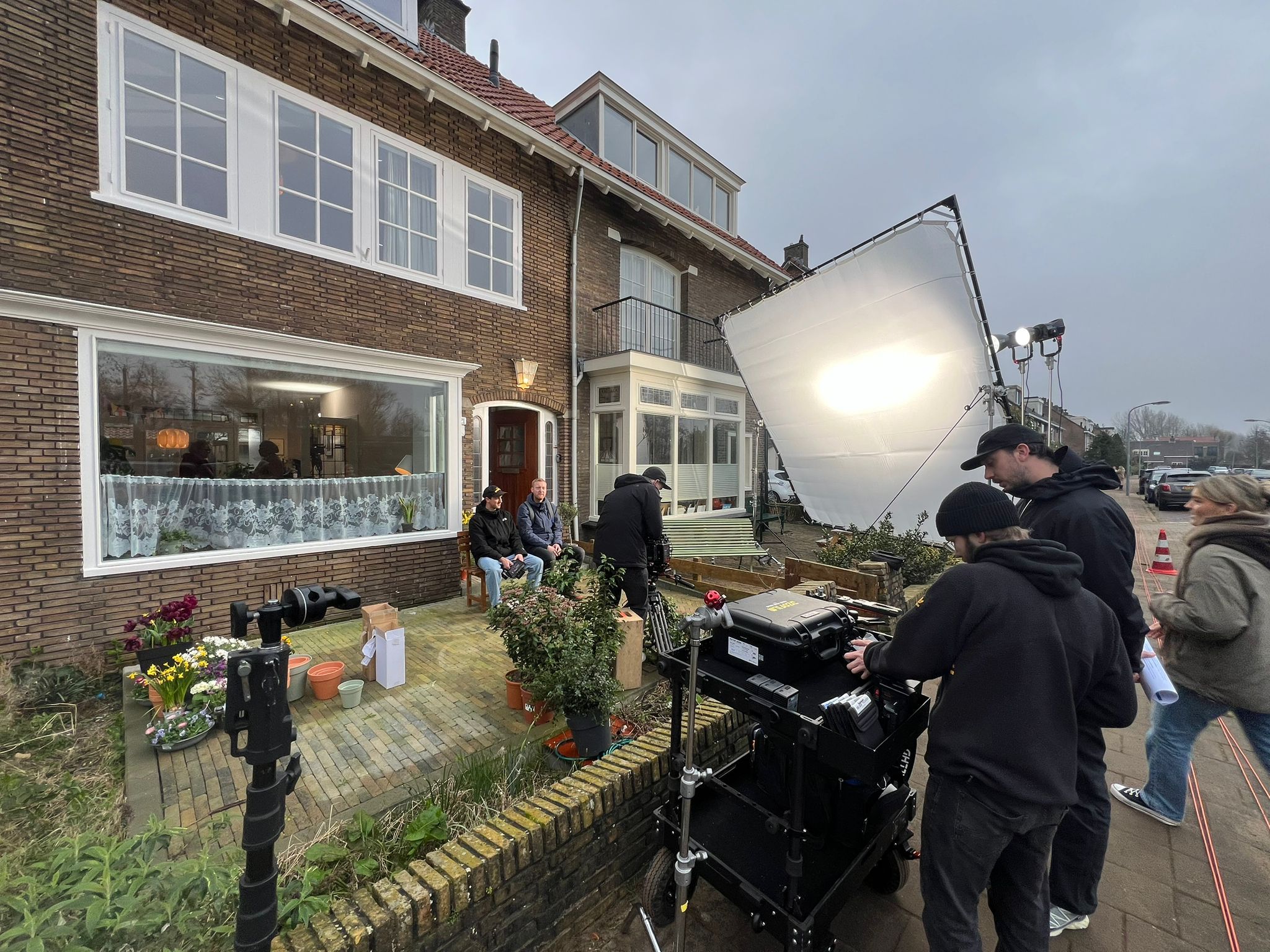















The speed and quality of responses have genuinely impressed us and made a big difference to our day to day.
Try it free, and the only thing that scales is your team.
$0 always
No credit card required
$10 /month/member
Billed yearly — save 45%
$20 /month/member
Billed yearly — save 20%
$400 /month
Billed yearly — save 20%
Encrypted at rest. Two-factor authentication. Malware scanned on upload. Private until you make a link.