

What is Playbook?
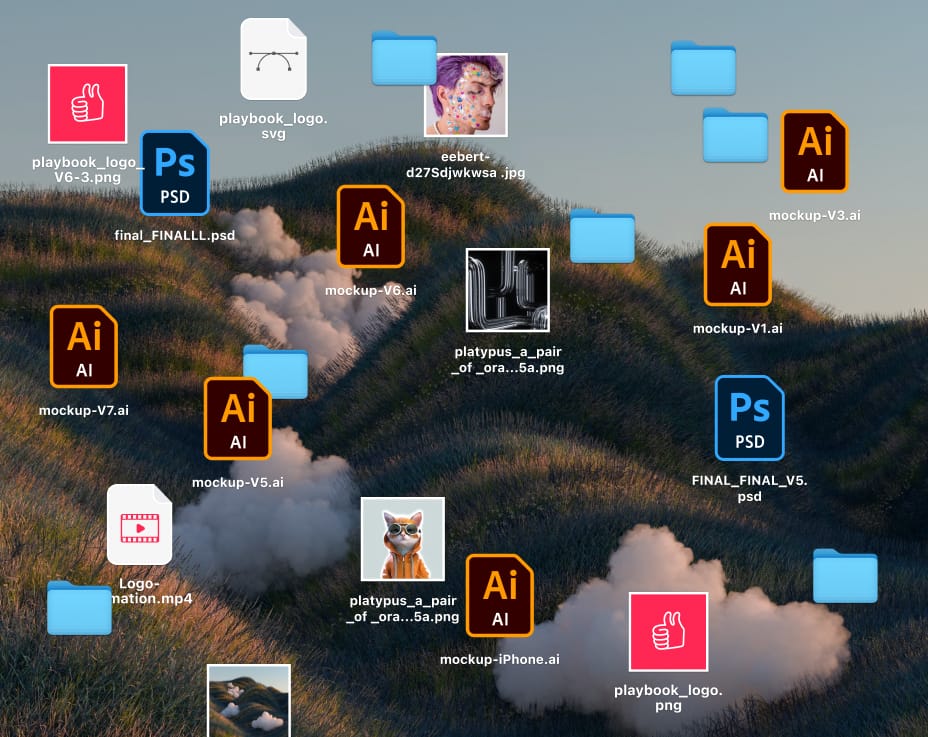
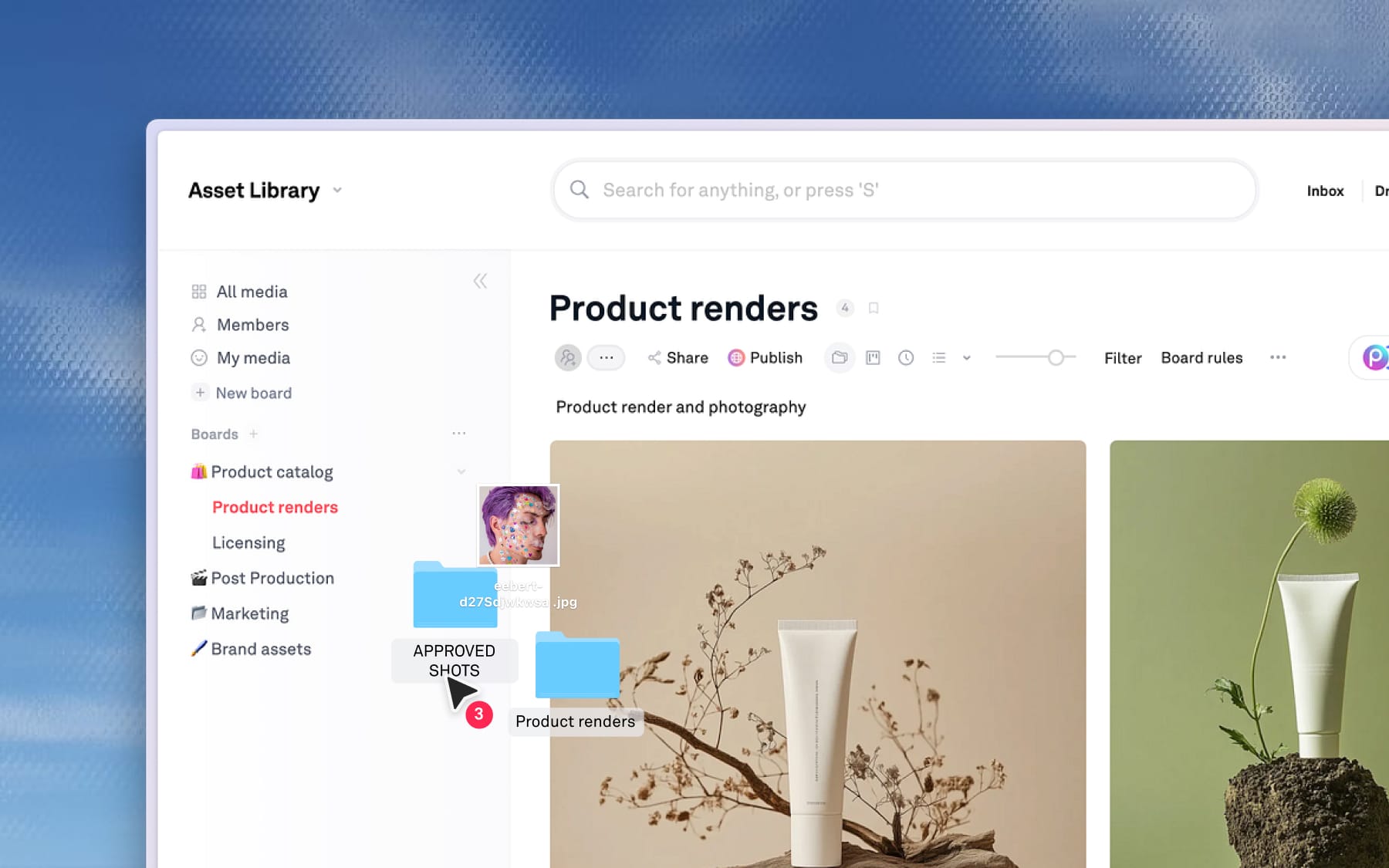
Learn what Playbook does, who it's for, and how we handle visual files.

Learn what Playbook does, who it's for, and how we handle visual files.
Learn how to set up your Playbook workspace
Learn how boards and sub-boards work in Playbook

Different ways to upload files or folders into a board in Playbook.

How to import files from Google Drive, Dropbox or OneDrive

Send your work to anyone in seconds with a simple, live-update link

Learn how to use Batch actions to move, copy, and organize thousand of assets in seconds.

Learn how to use Groups to combine multiple version or similar assets.

Learn how to use Playbook's "Status" field and create your own Custom fields.

Learn how to manually tag your assets for perfect organization

Learn the difference between Archive and Delete to keep your workspace tidy

Learn how to invite Members or Guests and manage their access with flexible permissions.

Learn how to leave comment on images, videos and attach reference images to comments.

Learn how to use Star ratings and Emoji reactions to speed up your approval process.

Learn how to use Playbook's Conversations feed for workspace updates.

Learn how to manage downloads, set expirations, add extra protection to your shared boards.

Use Board Rules to require specific info or automatically tag new files as they’re uploaded.

How Playbook removes duplicates and groups similar files automatically during every upload

How to find assets by name and metadata, or use AI Search to discover assetsin Playbook.

Learn how to use Filters to narrow down your workspace or just specific boards.

How to use visual similarity to find related assets in Playbook.

How to change workspace name, set your default view, add custom logo, and manage comment visibility.

How to customize your email alerts for new comments, uploads, and weekly summary of change in your workspace.

How to update your Playbook account details, manage your account data, and delete your account.

How to use your unique Drop link to collect files from anyone without requiring them to create an account

Learn how to customize layouts, add image or text elements, and share your work with made-ready templates

Your Playbook questions answered: Tutorials and other popular user queries.
Playbook Creative Intelligence is a smart, conversational system built directly into your Playbook workspace to help you spend less time finding and managing files, and more time creating.
Learn how to start a Playbook agent chat from within your workspace
Learn how to use conversational commands to chain actions and quickly copy, edit, and share your assets.
Use Creative Intelligence to find assets and take action on searched results all in one prompt
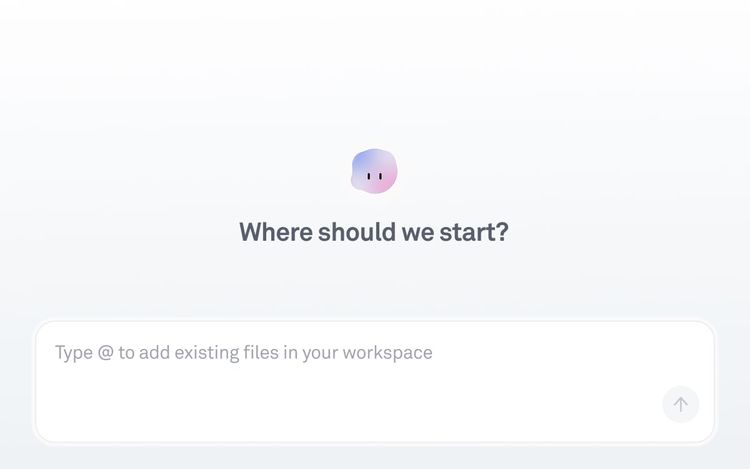
Learn about different ways to use AI chat from Playbook - to organize, to edit photos, or even to help with writing copy and brainstorming based on your asset context
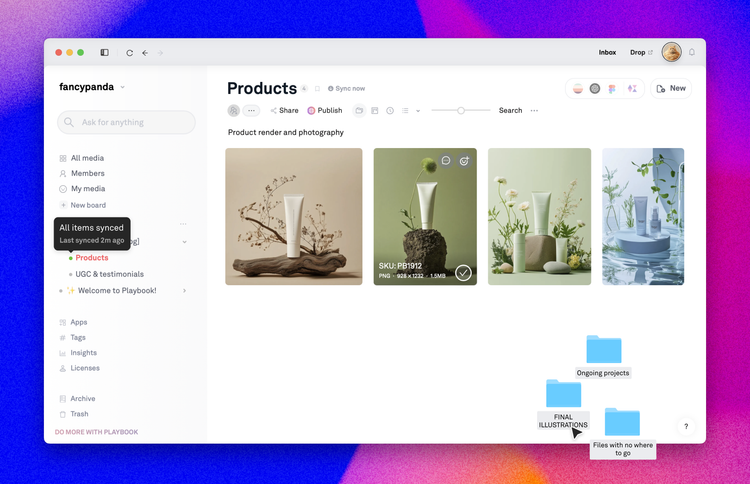
How to use the desktop app to sync files, natively integrate with apps, and maintain offline access.
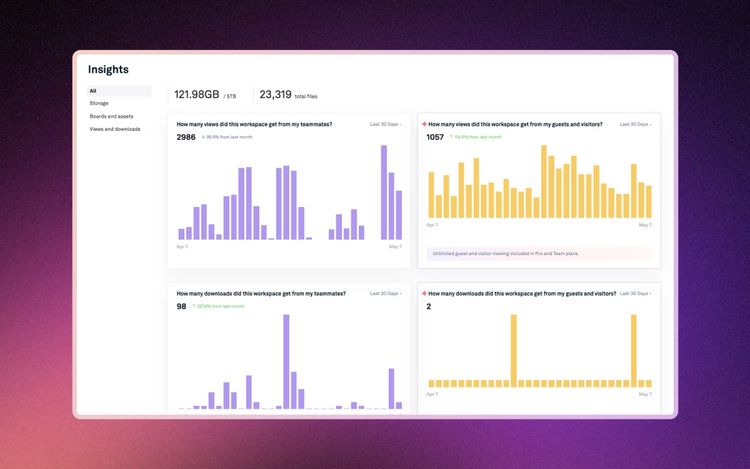
Learn how to track asset and board usage and insights within your workspace
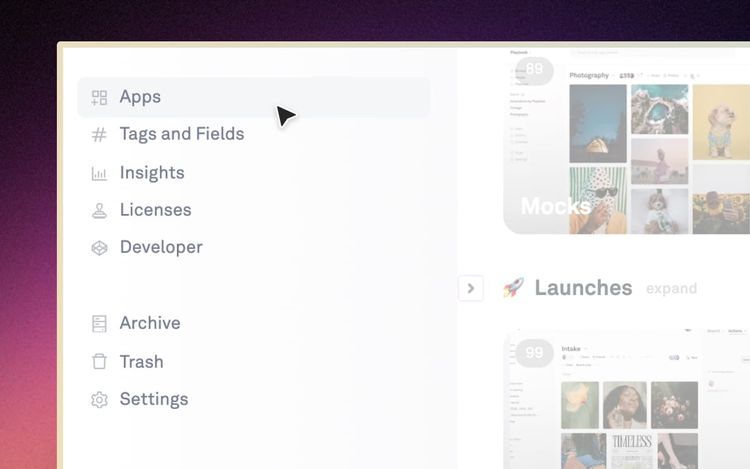
Learn how to connect Playbook to Figma, Slack, Midjourney, Zapier, and more. Sync files from Google Drive, Dropbox, and OneDrive, or build custom workflows
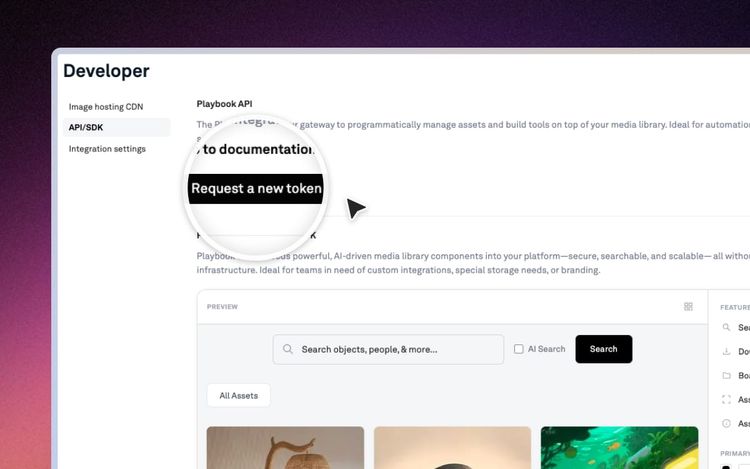
Learn how to connect Playbook to Figma, Slack, Midjourney, Zapier, and more. Sync files from Google Drive, Dropbox, and OneDrive, or build custom workflows
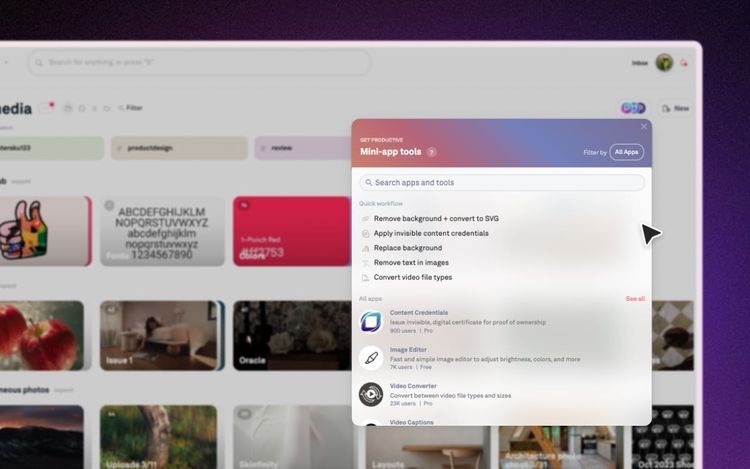
Learn how to use built-in mini-apps to create GIFs, upscale images, add captions, generate images, and more in just a few seconds